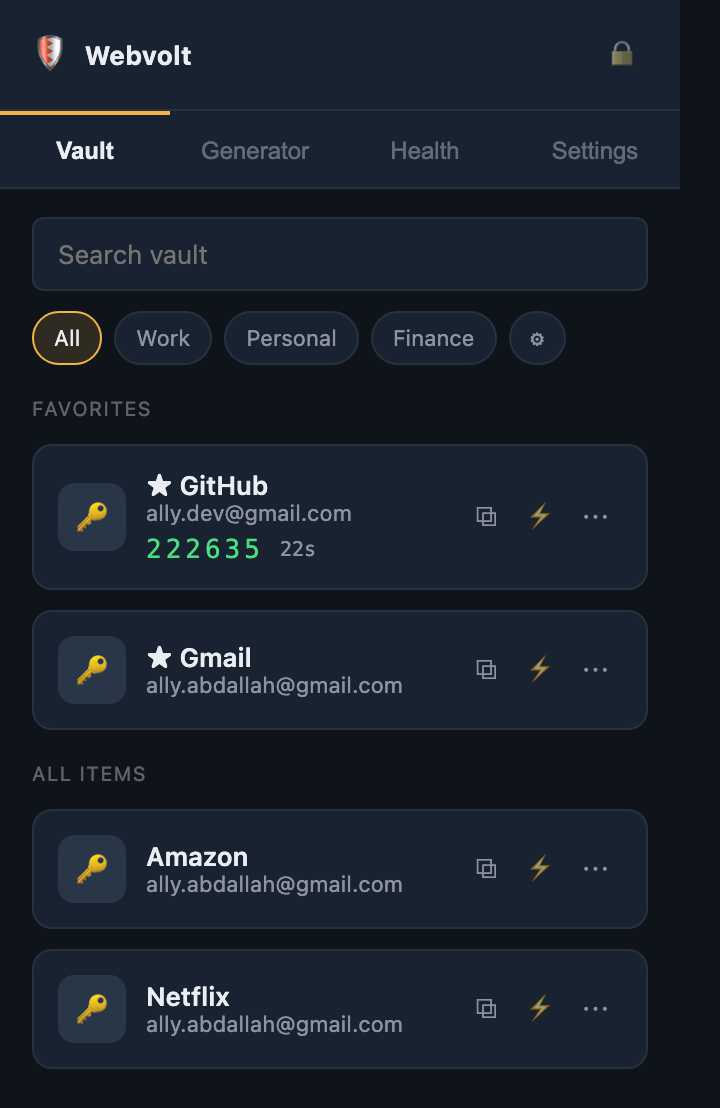
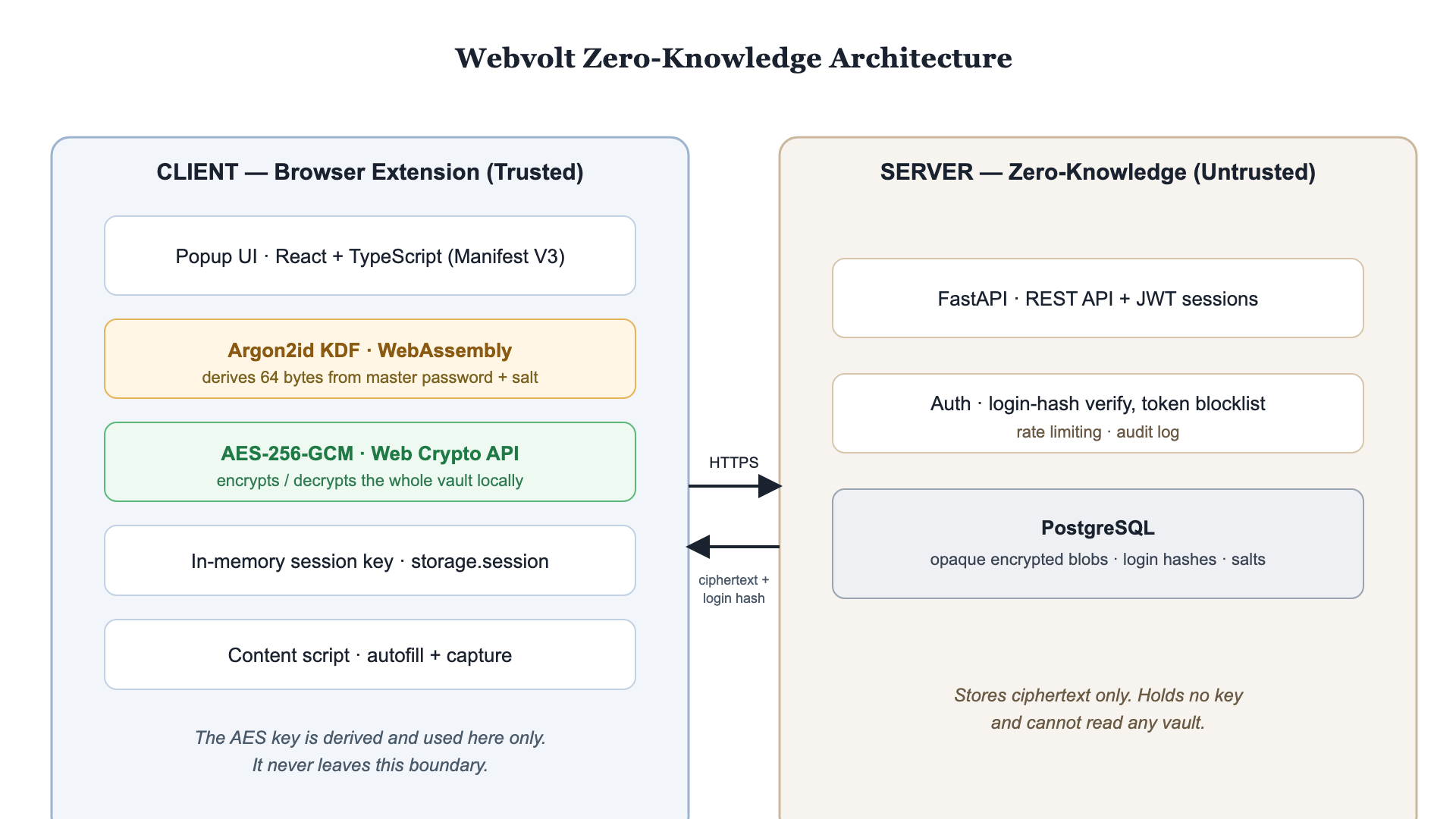
Webvolt encrypts your vault on your own device with Argon2id and AES-256 before anything is stored. Free, open, and self-hostable — security you can verify, not just trust.
Free · open · self-hostable. Works on Chrome & Edge. Connects to our live server automatically — nothing to configure.

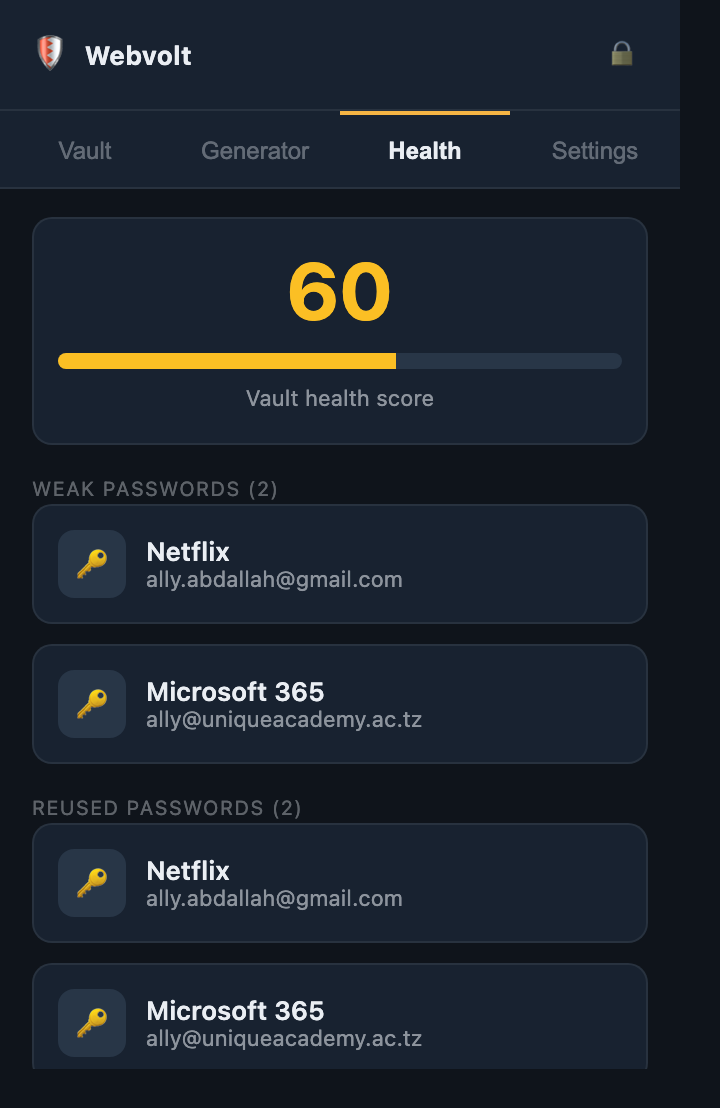
Everything a modern password manager should do — in one end-to-end encrypted vault you actually own.
Fill any login in one click. Webvolt checks the site’s real address first and refuses to fill on a mismatched domain, so phishing pages get nothing.

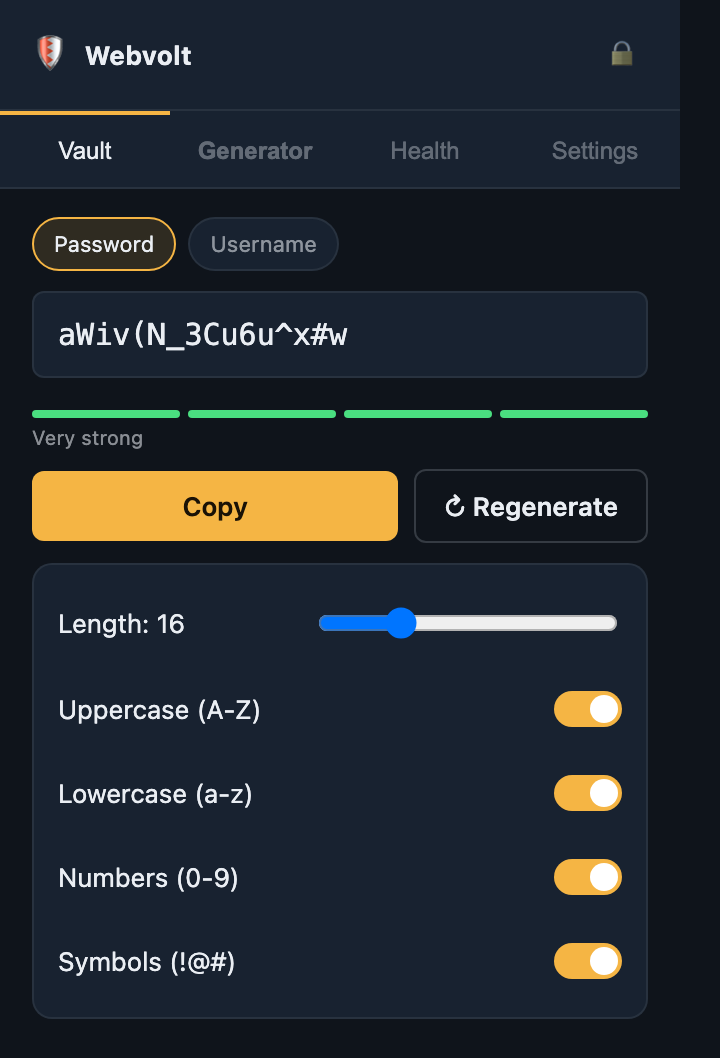
Create cryptographically random passwords and usernames with a live strength meter, so every account gets its own uncrackable secret.

Your master password is stretched into a key on your machine and used to encrypt the whole vault. We only ever receive an unreadable blob.

Use our hosted server with zero setup, or run the whole thing on your own machine — your data never leaves your control either way.

Everyone deserves to be safe online. Download the extension, create a vault, and every login is protected in minutes — no account server to run.
Get started free
Run Webvolt’s backend yourself with Docker on any small server. Your vault lives on infrastructure you own and control, end to end.
Read the guide
The whole system is transparent and inspectable — trust the design because you can see it, not because we ask you to.

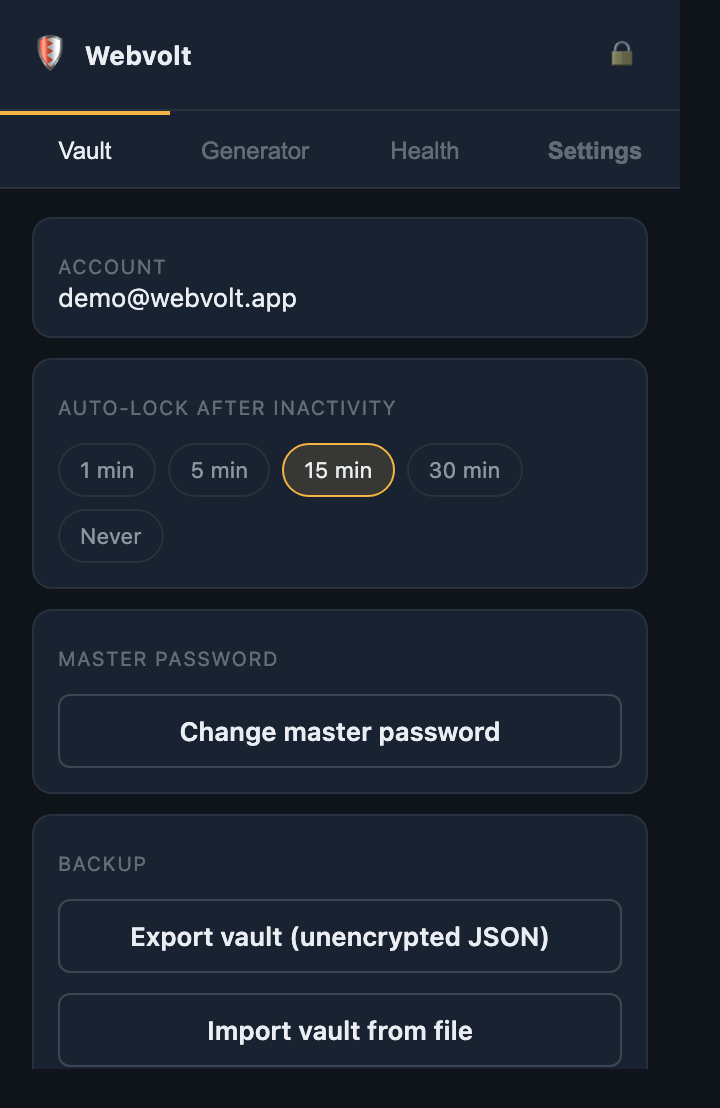
Create, use, and rotate your master password freely. Changing it re-encrypts your entire vault — and we never held a key to begin with.

Containerised with Docker, it runs anywhere — from our server to a Raspberry Pi in your home.


Most managers ask you to trust that they won’t look. Webvolt is built so it can’t.
“Finally a manager where I don’t have to trust the company — the server literally can’t read my vault. That’s the whole point.”
“Set it up in a couple of minutes, autofill just works, and I love the built-in 2FA codes. It feels like a real product.”
“Self-hosting was one Docker command. My whole family’s passwords now live on a server I actually control.”
No account server to run, nothing to configure — the extension connects to Webvolt automatically.
Grab the extension and unzip it — you’ll get a webvolt folder.
Go to chrome://extensions and turn on Developer mode.
Click Load unpacked, pick the webvolt folder, and pin the shield.
Beta developer install while our Chrome Web Store listing is in review. Signed with a fixed identity; talks only to webvolt.online.

Set up your encrypted vault in minutes. Your keys, your device, your control.